




Embark on the wild, often hilarious journey of DIY computer upgrades, where tangled cables, incompatible parts, and unexpected mishaps turn a simple task into a memorable adventure. While the promise of faster, more powerful machines beckons, the reality is a chaotic blend of patience, problem-solving, and humor. From wrestling spaghetti-like wires to troubleshooting stubborn hardware issues, every misstep becomes a lesson—and a story to laugh about later. But are these moments setbacks or stepping stones toward mastery? As technology evolves with modular parts, smarter diagnostic tools, and innovative cable management solutions, the upgrade process is poised to become less daunting and more rewarding. This lively exploration invites readers to embrace the chaos, learn from mistakes, and find joy in the unpredictable art of building and improving their own machines. Are you ready to turn chaos into confidence and upgrade with confidence?

The Joys and Jokes of DIY Computer Upgrades
Upgrading your computer yourself is one of those experiences that’s both rewarding and packed with humor. There’s a certain charm in getting hands-on with your hardware—popping open the case, unscrewing panels, and trying to keep everything organized. But let’s be honest: it’s rarely as straightforward as the tutorials suggest. More often than not, you’re greeted with a tangled mess of cables that look more like modern art than a tidy setup, and a mountain of tiny screws that seem to vanish into thin air.
There’s something universally amusing about how a simple upgrade can turn into a comedy of errors. Maybe you forget to unplug the power before diving in, or you accidentally knock over your drink onto the open case, turning a routine task into chaos. Sometimes, incompatible parts or missing screws add layers of complication, transforming what should be a quick swap into a prolonged puzzle. These mishaps become stories you’ll laugh about later, but in the moment, they’re just part of the unpredictable adventure.
Despite all the hurdles, many find the process incredibly satisfying—once everything finally clicks into place. The feeling of installing a new SSD or upgrading your cooling system with your own hands is hard to beat. But it’s the chaos and mess that make the experience memorable. Managing cables, fighting with stubborn screws, troubleshooting error messages—these all add to the story. That tangled spaghetti of wires? It’s a badge of honor, proof you’ve taken control of your machine, even if it looks like a wiring disaster.
The humor often comes from the unexpected. Like the time someone spent hours trying to fix a system, only to discover they’d forgotten to connect a power cable or that a RAM module was inserted backwards. These small, frustrating moments are part of what makes DIY upgrades so relatable. They remind us that perfection isn’t the goal—learning, adapting, and sharing a laugh at ourselves matter more. Every mishap is a step toward becoming more confident and skilled.
In the end, upgrading your computer by yourself is less about the hardware and more about the journey. It’s about patience, problem-solving, and embracing the chaos. Those funny stories and minor disasters aren’t just setbacks—they’re the moments that turn a routine upgrade into a memorable experience. With each attempt, you’re not only improving your machine but also sharpening your skills and building confidence for the next project. And that makes the chaos all worthwhile.
The Hilarious Mishaps That Make Upgrading a Challenge
Few things highlight the chaos of DIY upgrades better than the string of humorous and frustrating mishaps that inevitably pop up. Picture someone confidently swapping out a graphics card only to realize they forgot to remove the old one first. What should have been a quick job turns into a wrestling match, contorting into awkward angles and muttering expletives under their breath. Cable management is another comedy of errors—wires twist and tangle into a mess that looks more like modern art than a tidy build. Troubleshooting then becomes an exercise in patience, unraveling a tangled ball of cables with no clear end in sight.
Sometimes, the system simply refuses to turn on after a hardware swap, triggering panic. Beep codes or a blank screen become clues that something’s gone wrong—often because a connection is loose, a part is incompatible, or static shocks have fried a component. These small disasters, while maddening at the moment, tend to become the funniest stories later. The infamous spaghetti cables stand as a badge of honor, proof that you’ve taken on a project that’s messier than expected. Every tangled wire or missing screw adds to the lore of DIY tech adventures.
Hardware mismatches are another classic blunder. Buying a shiny new RAM module only to find it’s incompatible with your motherboard can turn into hours of troubleshooting. Rushing through installation or neglecting details like BIOS updates increases the risk of damaging delicate parts. These mistakes serve as stark reminders that patience and careful preparation are key to avoiding chaos. The frantic game of reseating components, checking connections, and updating drivers can feel endless, but often the fix is a simple oversight.
The real challenge emerges during troubleshooting, especially when the system refuses to recognize new hardware. It’s easy to feel like you’re chasing ghosts, with everything seemingly connected correctly but still not working. Taking a step back, carefully reseating components, and methodically checking each connection often reveals the culprit—like a loose cable or outdated BIOS. These moments of chaos transform into valuable lessons, reinforcing that persistence and a systematic approach are essential.
Despite all the setbacks, many DIYers look back on their mishaps with a grin. The chaos—whether installing RAM backwards or battling a mountain of tangled cables—becomes part of the story, not just a frustrating experience. It’s in these moments that patience, humor, and problem-solving skills come together. The messes and mistakes turn into badges of experience, making future upgrades smoother and less stressful.
Ultimately, these chaotic moments are what make DIY upgrades memorable. They remind us that perfection isn’t the goal; learning, adapting, and laughing at ourselves matter more. Embracing the unpredictability, even when it means battling spaghetti cables or chasing elusive hardware conflicts, transforms what seems like chaos into a badge of pride and confidence. It’s all part of the journey toward becoming more skilled—and having a good story to tell along the way.
Learning from the Chaos: Humor and Lessons in DIY Upgrades
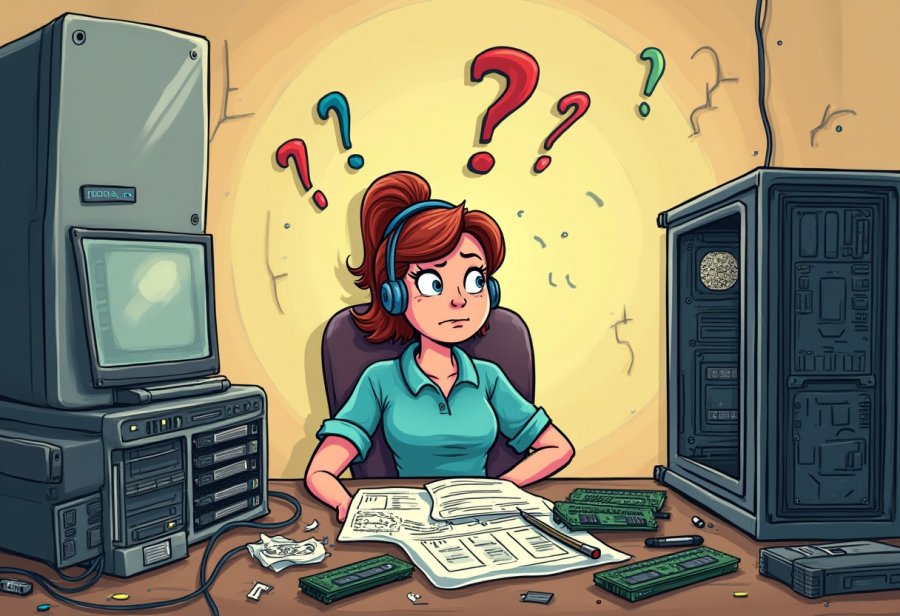
Navigating the chaos of DIY upgrades might seem overwhelming at first, but it’s often where the best lessons—and funniest stories—come from. The key is to see mistakes as part of the learning process rather than roadblocks. For instance, a tangled mess of cables might look like a disaster, but it’s also a chance to develop better organization skills. Using cable ties, labeling connectors, and planning cable routes can turn that spaghetti nightmare into a tidy, manageable setup. A little patience and some foresight make a big difference in transforming chaos into confidence.
Another lesson is to double-check compatibility before purchasing or installing parts. Rushing into a GPU or RAM upgrade without verifying specifications often leads to hours of troubleshooting. Spending a few minutes reading manuals, comparing specs, and confirming fit can prevent many headaches. Preparation turns potential chaos into a smoother, more predictable process, saving frustration and making the upgrade more satisfying.
Handling components carefully is crucial. Static shocks can damage sensitive chips, so grounding yourself and using anti-static tools isn’t optional—it’s essential. Many DIYers forget this step until they face a costly hardware failure. Making grounding a routine habit keeps surprises at bay and turns what could be a disaster into a simple precaution. It’s a small step that pays off in peace of mind and hardware longevity.
Rushing through installation is a common pitfall. Skipping steps like disconnecting the power or forcing connectors can cause damage or personal injury. Developing a straightforward routine—checking connections, tightening screws, and reviewing each step—helps keep things steady. This careful approach reduces errors and prevents the chaos from spiraling out of control, especially when things don’t go as planned.
Troubleshooting often becomes the toughest part, particularly when the system refuses to recognize new hardware. It’s easy to feel lost amid all the cables and blinking lights. Taking a deep breath, then methodically reseating components and checking connections, usually reveals the culprit—like a loose cable or outdated BIOS. Staying calm and systematic turns a frustrating puzzle into a manageable task, saving time and stress.
Learning from these mishaps builds confidence for future upgrades. Every mistake—whether installing RAM backwards or battling a tangle of cables—becomes a badge of experience. Sharing these stories keeps the mood light and reminds us that perfection isn’t the goal; resilience and humor are. Each slip-up offers a chance to improve, making the next upgrade faster, cleaner, and less stressful.
The funny part is how chaos often leads to unexpected clarity. Discovering you didn’t need to remove half the cables or realizing you forgot to plug something in can be small victories. These moments of revelation turn mistakes into lessons, shaping a better builder. Over time, the messes and missteps become part of the story—proof of persistence and growth.
Embracing the unpredictability turns chaos into a learning opportunity. Instead of dreading the mess, see it as part of the journey—an essential step toward mastering your hardware. When you accept that errors are inevitable, each slip-up becomes a chance to improve your skills and, hopefully, share a good laugh. It’s about making peace with the process and enjoying the ride, no matter how tangled the wires get.
Practical Tips to Master Your Next Upgrade Successfully
Before starting your upgrade, taking a moment to plan can save hours of frustration later. Double-check that all your parts are compatible—review specifications, read manuals, and create a simple checklist of what you need. Organizing your workspace with good lighting and a clutter-free surface makes a big difference, giving you room to work comfortably and see everything clearly. Gather tools like screwdrivers, cable ties, and an anti-static wristband beforehand; having everything ready prevents mid-project scrambling.
When you’re ready, shut down your PC completely and unplug all cables. Opening the case carefully and following your motherboard’s manual minimizes the risk of accidental damage. As you remove old components, keep track of how everything connects—taking photos can help during reassembly. Handle parts by their edges and avoid forcing anything into place. Installing new hardware should be gentle—make sure each piece is seated properly without overtightening screws—to keep everything safe and straightforward.
Once installed, double-check every connection. Ensure cables are plugged in securely, components are seated correctly, and no tools or stray screws are inside the case. Before powering on, consider updating your BIOS or drivers if needed. When you turn your system on, run basic tests to verify hardware recognition and system stability. If issues arise, retrace your steps methodically—reseating components or checking connections often resolves the problem.
Pay close attention to cable management. Labeling cables, routing them neatly, and using cable ties or Velcro straps keeps wires organized. Good wiring not only improves airflow but also makes future upgrades easier and less chaotic. Take your time at each step—rushing increases the chances of missed connections or damaging parts. Patience during assembly and verification transforms a potentially chaotic process into a smooth, controlled upgrade.
After reassembly, thoroughly test your system. Run benchmarks, stress tests, and temperature checks to ensure everything operates smoothly. Watch for instability, strange noises, or errors, and update remaining drivers or BIOS settings as needed. Often, fixing a problem involves a simple reseat or update—turning what could be chaos into confidence.
Keep a record of your process—what worked, what didn’t, and lessons learned. Documenting your steps creates a reference for future upgrades and helps you avoid repeating mistakes. An organized approach turns what might seem overwhelming into an achievable project. With clear planning, patience, and attention to detail, your next DIY upgrade can be faster, cleaner, and more satisfying.
Looking Ahead: How Future Tech Will Simplify DIY Upgrades
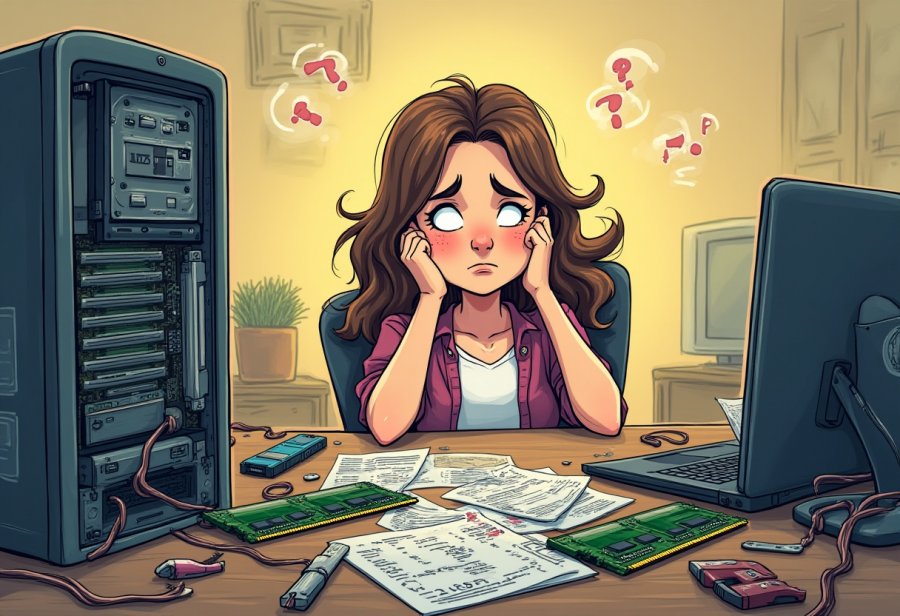
The future of DIY tech upgrades is shaping up to be more accessible and streamlined than ever before. Modular hardware designs are becoming increasingly common, making swapping out components like CPUs, GPUs, and SSDs faster and less messy. These plug-and-play parts reduce compatibility headaches and tangled cables, allowing even newcomers to upgrade with confidence and minimal fuss. As standards evolve toward greater uniformity, the process of enhancing your machine will shift from a chaotic puzzle into a straightforward, almost effortless exchange.
Smart diagnostic tools are also transforming troubleshooting. Devices like USB testing stations and software that automatically detect hardware conflicts help identify issues early—before they turn into spaghetti cable nightmares or costly mistakes. These innovations mean fixing hardware problems won’t require hours of guesswork or frantic troubleshooting, but instead quick, precise adjustments. The days of endless trial-and-error during upgrades are giving way to smarter, more efficient solutions.
Cable management tools are advancing as well. Magnetic screwdrivers, flexible extension bits, and cable systems with built-in ties or sleeves are making tidy wiring more accessible. These innovations help organize cables neatly, improve airflow, and reduce the mess often associated with upgrades. As these tools become more affordable and user-friendly, keeping your setup clean and manageable will be easier than ever, turning chaos into order from the very start.
3D printing is opening new doors for customization. DIY builders can now create custom cases, brackets, or cable organizers tailored specifically to their setups. This level of personalization helps prevent the dreaded spaghetti cable mess from creeping back in and makes future upgrades smoother. Printing specialized parts adds a creative touch to the process, giving you more control over your hardware environment and making upgrades less daunting and more fun.
Looking further ahead, hardware standards are trending toward more modular, standardized designs that prioritize ease of upgrade. This evolution means swapping out parts will become less about wrestling with incompatible components and more about quick exchanges. As systems become more predictable and uniform, the upgrade process will be less intimidating and more consistent, saving time and reducing frustration. This shift promises a future where upgrading feels less like a chore and more like a seamless part of maintaining your tech.
Artificial intelligence and machine learning are starting to influence diagnostics and troubleshooting. These technologies could soon offer real-time guidance, helping users identify issues faster and with less stress. Instead of battling tangled cables or chasing ghost signals, builders might rely on intelligent prompts and step-by-step solutions tailored to their specific setup. This progress could turn what now feels chaotic into a smooth, guided experience, making DIY upgrades more accessible to everyone.